
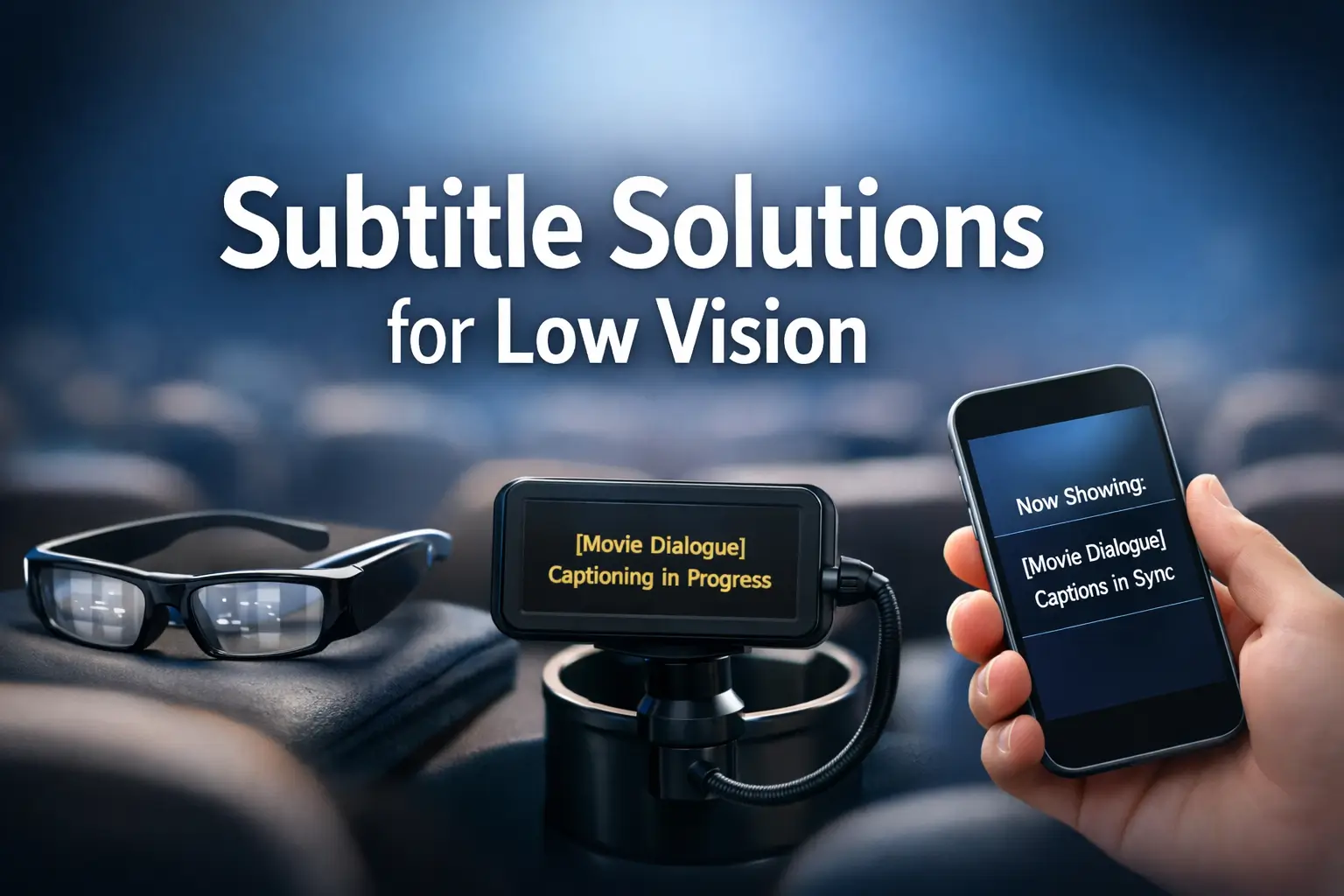
Accessible Cinema: Beyond Just “Available”
Movie theater subtitles for low vision often fail in small, ordinary ways. The captions are technically there, but by minute forty, your neck, eyes, or patience have quietly filed a complaint.
For many low-vision moviegoers, the challenge isn’t finding a theater with support. It’s figuring out whether caption glasses, cupholder screens, open captions, or phone-based tools will actually work for your eyes and posture. Without a plan, you risk a two-hour endurance test instead of a night out.
“Available” is not the same as usable. Bigger text is not the same as comfort.
This guide helps you compare accessibility options before you leave home. We break down the real trade-offs across apps, devices, and theater chains so you can choose a setup that offers better readability, less refocusing, and fewer surprises at showtime.
The goal is practical: less trial-and-error, and a better chance of enjoying the film instead of managing the workaround. Because the best subtitle setup is the one you can still tolerate after two hours.
Table of Contents
Fast Answer: Movie theater subtitles accessibility for low vision usually comes down to two paths: personal apps or built-in theater devices. The best option depends on subtitle size, contrast, comfort, seat flexibility, and whether your local theater actually supports the tool well. The smartest approach is to check chain-specific availability before leaving home, then choose the setup that reduces strain instead of adding another screen problem.
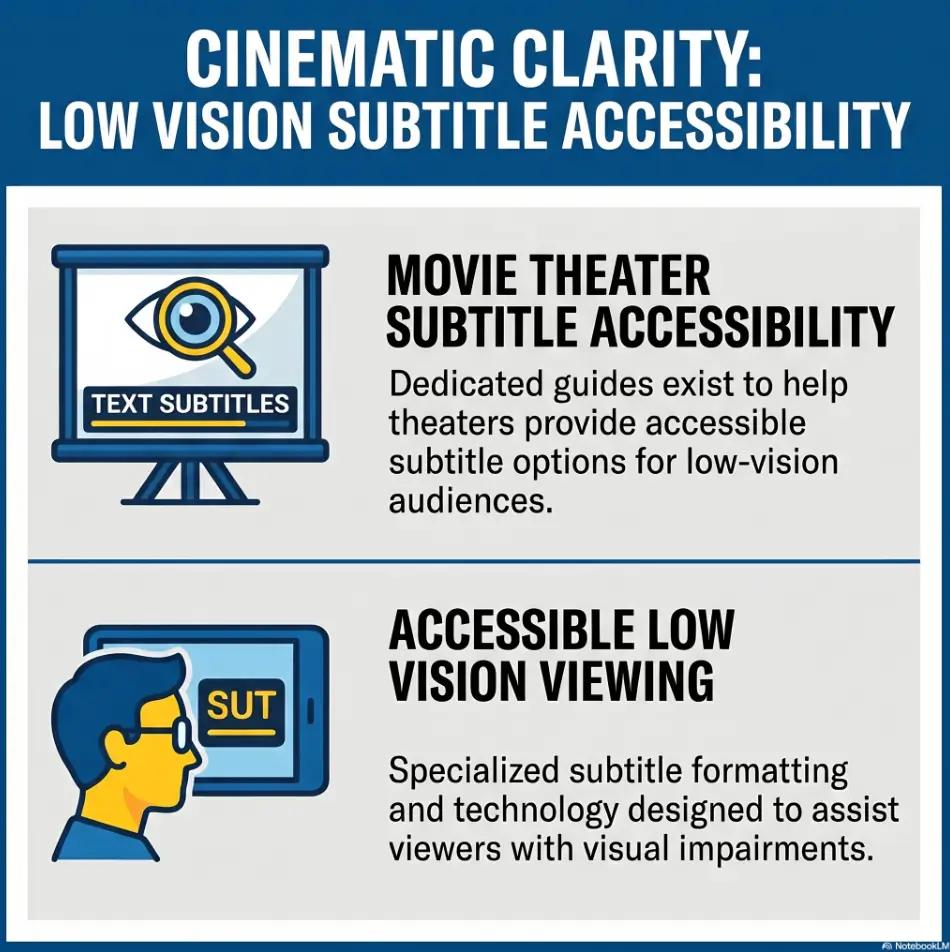
Before You Choose: What “Subtitles Accessibility” Actually Means in a Theater
Bigger text is only one piece of the puzzle
People often start with font size because it feels measurable. Fair enough. But in a theater, readability is a four-legged chair. Text size, contrast, placement, and stability all matter. If one leg is missing, the whole thing wobbles. A caption device can technically display text and still be miserable to use if the screen sits too low, reflects stray light, or forces your eyes to shuttle between the movie and a second surface every few seconds.
I learned this the annoying way on a weekday screening where the captions were legible for the first ten minutes, then slowly became work. Nothing dramatic happened. My neck tightened. My eyes started doing little corrective dances. By the end, I had followed the plot, but not gracefully. That is the trap. Accessibility that works for five minutes is not the same as accessibility that works for two hours.
Contrast, placement, brightness, and neck strain change the experience
Low vision is not one thing. One viewer needs larger text. Another needs better contrast. Another can read fine but cannot tolerate constant eye refocusing from screen to cupholder device. In practice, subtitle access is about whether the whole visual setup behaves kindly. A dim device can disappear. A bright phone can feel like a pocket lighthouse. Glasses can reduce hand use but may introduce their own fit and alignment quirks. Search results from AMC, Regal, and Cinemark all point to private captioning tools being available in at least many locations, but the device type and feel vary by chain and by auditorium.
Why a “subtitles available” label can still disappoint in real life
“Available” is a lovely word until you meet it in the wild. It can mean the film supports captions, but not that the device is charged, synced, comfortable, or in the building you are standing in. It can mean the website knows the feature exists at the chain level, while the local theater is short on working units. It can mean staff know where the device lives but not how to calibrate it. The national page is the brochure. The local handoff is the truth.
- Text size without good placement still fails
- Brightness without contrast can still strain the eyes
- A working device can still be the wrong fit for your body
Apply in 60 seconds: Before buying a ticket, decide which matters more for you: larger text, less refocusing, or less neck movement.
Who This Is For, and Who It Is Not For
Best for moviegoers with low vision who can benefit from on-screen text support
This guide is for people who can benefit from captions but need them delivered in a way their eyes can actually tolerate. That includes viewers with reduced contrast sensitivity, visual fatigue, trouble tracking dialogue in fast scenes, or difficulty reading standard-size captions from certain seats. It is also for family members planning ahead, because nothing sours an evening faster than realizing the “accessibility solution” is technically present and practically useless.
Helpful for people deciding between caption devices, personal apps, and seat-position strategies
Maybe you are not choosing between two perfect options. Most people are choosing between the least bad option. That sounds gloomy, but it is oddly freeing. It means you stop searching for a mythical best device and start asking a better question: what setup gives me the clearest reading with the lowest strain tonight? Sometimes that means a theater-issued caption device. Sometimes it means an app-based workaround. Sometimes it means open captions on the big screen, if your local theater offers them for that showtime. AMC’s public materials say open-caption showtimes are clearly marked on its site and app at participating locations.
Not a full solution for every type of vision loss, every auditorium, or every film format
This is not a promise that every low-vision viewer will love closed-caption devices. Some people do much better with open captions because the text stays on the main screen. Others find any secondary display exhausting. Premium formats can change perceived caption placement and comfort. A giant screen can feel glorious until your eye movements start commuting like exhausted office workers. The point is not to romanticize technology. The point is to reduce the mismatch between your eyes and the room.
Eligibility checklist: Is this guide likely useful for your next movie trip?
- Yes if you usually read captions but struggle with theater conditions
- Yes if you are deciding between caption glasses, seat devices, open captions, or app-based help
- No if your main need is only amplified audio rather than text support
- No if you already know a specific local setup works and you are not comparing options
Next step: If you checked at least two “Yes” items, compare device comfort before showtime availability.
App or Device? The Real Tradeoff Most Guides Blur
Personal apps can feel more familiar but add another screen to manage
Apps sound elegant because your phone is already yours. You know the brightness slider. You know the font size menu. You know where the headphone jack adapter is hiding, or at least where it should be hiding. That familiarity matters. But a phone introduces new frictions: light spill, distraction, battery anxiety, sync risk, and the emotional tax of managing yet another glowing object in a dark room.
MovieReading, for example, describes itself as a smartphone-based accessibility app offering subtitles, audio description, and other accessible formats synchronized to the film. TheaterEars focuses on synchronized audio tracks, especially for Spanish-language listening in U.S. theaters and Puerto Rico, which makes it more relevant for language access than for low-vision subtitle enlargement on its own.
Theater-provided devices may match the screening better but vary in comfort and upkeep
The beauty of a theater device is that it is designed for that room. The problem with a theater device is that it is also designed by committee, maintained by reality, and handed to you by whoever is working the podium that evening. Regal’s public materials describe Sony Access glasses that place closed captions in the line of sight for 2D and 3D films. Cinemark describes cupholder-mounted closed-caption receivers and screen kits. AMC says closed-caption devices are available, though not every title supports closed captions.
The question is not “Which is best?” but “Which fails less for your eyes?”
This is the hinge point. Apps fail when the phone becomes too bright, too small, or too needy. Theater devices fail when the hardware is awkward, undercharged, unsynced, or badly positioned. Open captions fail when the showtime or theater support is limited. Your answer is the option that fails least for your own visual pattern. It is not glamorous. It is wonderfully practical.
Decision card: Choose your starting point based on what usually bothers you most.
| If this bothers you most | Try this first | Trade-off |
|---|---|---|
| Neck movement | Caption glasses or open captions | Fit and alignment may still vary |
| Extra brightness | Theater device instead of phone | Hardware comfort may be worse |
| Tiny text | Open captions or app with stronger text controls | Showtime support may be limited |
Neutral action: Pick the failure mode you hate most and test the setup most likely to reduce it.
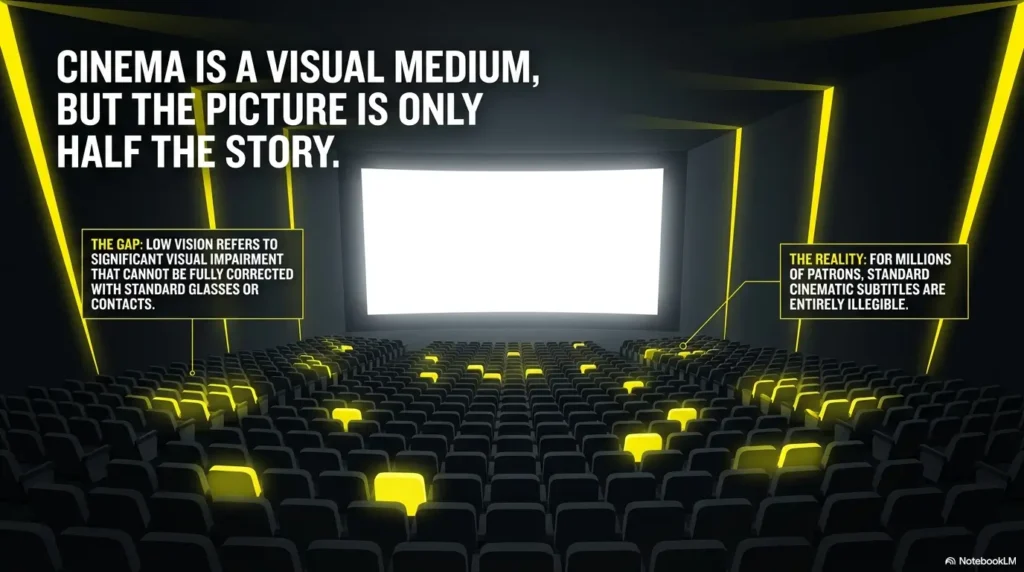
Caption Glasses, Seat-Mounted Screens, or Phone-Based Tools? Start Here
Caption glasses for hands-free viewing and the comfort tradeoff they can bring
Caption glasses are attractive because they promise less hand juggling and less downward glance time. In theory, that is wonderful. In practice, some viewers love the “captions in line of sight” idea and some find the visual overlay annoying or fussy. Fit matters. Alignment matters. The plain truth is that glasses can feel futuristic in the lobby and oddly finicky once the trailers begin. Regal specifically highlights Sony Access glasses for private closed captions in both 2D and 3D screenings.
Seat-mounted or cupholder caption devices and why viewing angle matters more than expected
Cupholder and seat-mounted caption screens are the workhorses of many chains. They are not glamorous, but they are common. Cinemark says its Ultra Stereo closed-caption receivers and screen kits attach to the guest’s cupholder and display captions through the movie. That sounds straightforward, yet viewing angle is the whole game. Too low, and you are nodding at the cupholder like you are in a very solemn meeting. Too high, and the main screen slips out of easy focus.
Phone-based subtitle tools for independence, with a big caveat about brightness and distraction
Phone-based tools can offer more personal control. That is their best quality. They can also turn a dark auditorium into a miniature cockpit. That is their worst. MovieReading’s app-store descriptions emphasize auto-syncing subtitles, audio descriptions, and other accessible content. Useful, yes. But low-vision readers need to ask whether enlarging text enough will also make the phone too bright or too visually dominant. Before relying on a phone in a dark auditorium, it helps to test whether Reduce White Point or Night Shift actually lowers visual strain for your eyes, and in some cases even make the iPhone screen dimmer than the normal minimum so the device does not become its own side plot.
Show me the nerdy details
Most app-based cinema accessibility tools rely on audio recognition synchronization. In plain English, the phone listens for the film soundtrack and lines up the subtitle or audio track to that timing. When it works, it feels nearly magical. When the room is noisy, the microphone is blocked, or the user starts the app late, the experience can wobble. Hardware devices avoid some of that by being tied to theater systems, but then inherit theater maintenance issues instead.
Short Story: A friend of mine did everything “right” for a matinee. She called ahead, reserved accessible seating, and arrived early enough to test a cupholder caption device before previews. On paper, it was a perfect plan. In the room, the first issue was tiny: the stem angle would not hold. She adjusted it twice. Then the trailers began, the screen brightness changed, and she realized the captions were readable only when she tilted her head a little left.
It did not seem like a disaster, just a mildly silly posture. Ninety minutes later, that mildly silly posture had turned into shoulder fatigue and a low-grade headache. The film itself was good. Her memory of it was mostly geometric. The lesson was not “never use the device.” It was that small physical annoyances accumulate. The setup that feels acceptable in minute five can become the wrong setup by minute ninety-five.
- Glasses reduce hand use but may need careful fit
- Cupholder devices are common but angle-sensitive
- Phones offer control but can introduce glare and distraction
Apply in 60 seconds: Write down which bothers you more: awkward posture, extra brightness, or sync anxiety.
Don’t Assume the Theater Has It Ready
Availability online does not always mean availability at showtime
This is the part most buying guides blur into a polite fog. A feature can exist on the chain website and still fail at the exact moment you need it. Search snippets and theater pages across AMC and Cinemark show closed-captioning icons at many locations and showtimes. That does not guarantee the device you need is available, charged, or already assigned to another guest.
Device battery, syncing, staff training, and last-minute inventory shortages are common friction points
I do not say this to be cynical. I say it because the failure points are mundane. Battery. Inventory. Training. Physical wear. Sync. The world runs on small hinges, and accessibility tools are no exception. AMC even publishes troubleshooting guidance for some assistive devices, which quietly tells you something useful: these systems sometimes need troubleshooting.
Why calling ahead can save more frustration than any tech upgrade
A two-minute call can answer five questions the national page cannot. Ask whether the specific movie and showtime support closed captions. Ask which device type the location uses. Ask whether they can set one aside. Ask whether open-caption showtimes exist. Ask whether premium formats in that auditorium change the device experience. It is not glamorous, but neither is arriving early just to conduct a tiny tragic science experiment in the lobby.
What to gather before comparing theaters:
- The exact movie title and showtime
- Your preferred device type, if any
- Whether you need larger text, less refocusing, or less glare
- Whether you can switch seats easily if the first angle fails
- A backup plan: another showtime or open-caption option
Next step: Use this list before you call, so the answer you get is usable instead of vague.
Low Vision Fit: The Best Device Is the One You Can Tolerate for Two Hours
Font size that looks “fine” for five minutes may fail during a full film
Many low-vision decisions are really endurance decisions. You are not choosing what is readable under ideal conditions. You are choosing what remains readable after bright trailers, dark scenes, fast dialogue, and the hundred tiny posture adjustments that happen when a seat is only almost comfortable. A device that feels “fine” in a quick test can become a slow tax on your body. That tax is easy to underestimate because it arrives one small shrug at a time.
Head position, glare, and eye fatigue often matter more than brand names
This is why I distrust overly shiny product comparisons. Brand names matter less than geometry. Can your eyes move naturally between image and text? Does the device catch reflections? Does the seat let you settle? Some viewers spend 20 minutes researching device models and zero minutes thinking about aisle access, recline angle, or whether the auditorium is likely to have bright side lighting.
The body always sends the final review. The same logic applies at home too. If glare is already part of your daily reading life, guides on reducing TV glare or using window film for glare control can sharpen your sense of what kinds of reflections your eyes tolerate best.
Let’s be honest… if the setup hurts, you will stop using it
That sentence sounds obvious, yet it rescues a lot of people from false guilt. You are not failing accessibility because a certain device hurts. The device is failing you. A useful test is brutally simple: would you willingly use this exact setup again next month? If the answer is no, keep looking. The winner is the repeatable option, not the most advanced-looking one.
Infographic: How the main subtitle options usually behave in real life
Caption Glasses
Comfort: Medium to High
Readability: Medium to High
Setup Risk: Fit and alignment
Cupholder Device
Comfort: Medium
Readability: Medium
Setup Risk: Angle and neck movement
Phone-Based App
Comfort: Medium
Readability: Variable
Setup Risk: Brightness and sync
Open Captions
Comfort: Often High
Readability: Often High
Setup Risk: Limited showtimes
Common Mistakes That Make Subtitle Access Harder, Not Easier
Choosing based only on availability instead of readability
Availability is the first filter, not the final answer. “They have caption devices” tells you almost nothing about whether you will read comfortably. It is like saying a hotel has beds. Lovely. But are we talking hammock, cloud, or medieval plank.
Sitting too close or too far without considering subtitle placement
Seat choice affects everything. Too close and your eye travel can become exhausting. Too far and the film may feel fine while the caption device feels tiny or disconnected. For many low-vision viewers, a middle-distance seat with flexibility to adjust slightly off-center is better than chasing the mathematically “best” row.
Treating all theaters in the same chain as if they perform the same way
This one burns people over and over. A good Regal experience in one city does not guarantee the next Regal will feel the same. A polished AMC near a flagship shopping district may handle assistive devices very smoothly. Another location may be perfectly kind and still not have the same staff familiarity or hardware condition. Chain-level policy and location-level execution are cousins, not twins.
Assuming your daytime screen settings will translate well in a dark auditorium
If you use apps, your normal phone settings are not automatically theater settings. What reads beautifully on a couch at 2 p.m. can become a glaring rectangle in a dark room. Brightness, contrast mode, and text scale need their own “theater profile.” I once tested subtitles on a phone with my daytime settings and immediately understood what it would feel like to be followed by a disciplined moon. That is why it helps to build a separate low-light setup, much like you would when learning how to make an iPhone flashlight less harsh instead of letting brightness bully the whole experience.
- Do not confuse “offered” with “usable”
- Do not ignore seat geometry
- Do not treat every location in a chain as identical
Apply in 60 seconds: Pick one local theater and write down your usual row, then ask whether that row helps or hurts your caption setup.
Do Not Test a New Setup on a “Big Night Out”
First trials go better with low-pressure showtimes
This might be the most useful advice in the whole article. Do not test a new setup on your anniversary, your nephew’s birthday outing, or the film you have awaited since the Stone Age of teaser trailers. Use a lower-pressure showtime. A weekday matinee is perfect. Less crowding means more time to troubleshoot, more flexibility to switch seats, and less emotional pressure if the first setup is not your forever match.
Why premium formats, crowded rooms, and opening weekends can hide accessibility problems
On a packed night, everything becomes stickier. Staff are rushed. Device inventory turns over faster. You may hesitate to change seats. Premium formats can also shift your experience. A bigger screen is not always friendlier if it increases eye travel or changes how often you must refocus between movie image and caption surface. This is why the first test should be boring. Boring is a gift. Boring lets you notice what your eyes are saying.
Here’s what no one tells you… a mediocre tool feels worse when the room is full and you cannot adjust
Small discomfort becomes bigger when you feel trapped. If the room is half-empty, you can move. If the aisle is open, you can reposition. If the lobby is calm, you can swap hardware. Accessibility is not only a device feature. It is also a margin-for-adjustment feature.
Mini calculator: How risky is this showtime as a first test?
- Add 1 point if it is opening weekend
- Add 1 point if it is a premium format
- Add 1 point if it is a near-sold-out evening show
0 to 1 points: Good first test. 2 points: Manageable, but bring a backup plan. 3 points: Save this for later, after you know your setup.
Next step: Try your first comparison at a 0 to 1 point showtime.
Chain by Chain: Why the Same Movie Can Feel Different in Different Theaters
Device quality and staff familiarity often vary location to location
Large chains do publish accessibility pages, and that is useful. AMC states assistive listening and closed-captioning devices are available at all locations, while also noting that not all titles support closed captions or audio description. Regal highlights line-of-sight caption glasses. Cinemark highlights cupholder-attached caption receivers and screen kits. Those are meaningful clues, but they do not erase local variability.
Independent theaters, dine-in theaters, and premium auditoriums may handle accessibility differently
Independent theaters can be fantastic or inconsistent, sometimes both in the same month. Dine-in theaters add tray layouts, servers, and extra light sources that can change how a caption device feels. Premium auditoriums can be a visual feast and a caption headache. The room itself is part of the product. That is why a “best theater” list is less useful than a “best local fit” habit.
The local operational reality matters more than the national marketing page
This sounds almost rude, but it is practical kindness. You are not going to the national marketing page. You are going to a specific building, with a specific auditorium, on a specific night, staffed by specific humans, with a specific box of hardware. Plan for that scale. It is smaller. It is humbler. It is more honest.
Show me the nerdy details
From a systems point of view, chain-level accessibility pages tell you what the organization intends to support. Theater-level showtime pages tell you what that building claims for that screening. A phone call or early arrival tells you what is actually operational in the moment. You need all three layers when accessibility matters.
If Apps Sound Easier, Ask These Questions First
Will the app work without perfect sync or strong connectivity?
App-based accessibility sounds wonderfully independent until the signal gods become moody. Some apps download tracks in advance. Some rely more heavily on current phone conditions. MovieReading’s store listings emphasize auto-syncing and broad accessibility features. That is promising, but you still need to know whether the relevant title is supported and whether you can preload what you need before entering the theater.
Can you enlarge text enough without turning the phone into a flashlight?
This is the low-vision balancing act in one sentence. More size often means more visibility, but the device may also become more visually dominant in the dark. If your app strategy depends on a very bright screen to remain readable, it may solve one problem and create another. Some readers find it useful to rehearse this at home with the same care they use for low-vision iPhone scan settings or when testing iPhone receipt reading settings in tricky lighting, because the enemy is often not the text alone but the way the screen behaves in dim space.
Does the app reduce stress, or does it quietly add one more thing to monitor?
A useful accessibility tool should shrink the number of moving parts in your mind. If you are constantly checking sync, battery, brightness, and headphones, the app may be technically functional and emotionally expensive. TheaterEars is best understood as a language-access tool in many U.S. theaters rather than a primary low-vision subtitle enlargement solution. MovieReading is more directly relevant to subtitle and audio-description access. That distinction matters when people lump “movie apps” into one basket.
- Check title support before you leave home
- Test brightness and text size in a dark room first
- Prefer preloaded content when possible
Apply in 60 seconds: Put your phone on dark-mode theater settings tonight and see whether enlarged text still feels tolerable in a dim room.
Comfort First: Small Theater Tweaks That Can Rescue a Bad Device
Seat placement, aisle flexibility, and distance from the screen can change legibility
A better seat can outperform a fancier device. That sounds unfair to the hardware, but the body does not care about branding. A slightly farther row may reduce eye travel. An aisle seat may let you reposition without negotiating a social obstacle course. A seat that keeps the caption device at a friendlier angle can turn an almost-bad setup into a usable one.
Managing brightness, reflections, and posture before the previews end
Do your adjustments before the main feature begins. Test the device during trailers. Tilt it. Lower it. Raise it. Dim your phone if you are using one. Make sure glare is not bouncing off the screen. Put your water where it will not compete with the device. It sounds silly until the alternative is an accidental wrestling match with a cupholder in the dark.
Why a good seat can outperform a supposedly better device
Because your eyes and neck live in the seat, not in the product brochure. I have seen people blame a caption system that was merely poorly positioned. I have also seen a modest device become genuinely useful once the user moved two rows back and slightly off center. Sometimes accessibility improves not by adding more technology, but by reducing the angle at which your body has to negotiate it. If glare sensitivity is a constant companion, even outside the theater, lessons from positioning light for central vision loss can help you think more clearly about where the trouble is really coming from: the device, the seat, or the angle.
| Comfort tier | What it usually means |
|---|---|
| Tier 1 | Readable, but you are working the whole time |
| Tier 2 | Mostly usable, with mild posture or glare issues |
| Tier 3 | Comfortable enough to repeat for ordinary outings |
| Tier 4 | Low effort, low strain, and easy to recommend |
| Tier 5 | The rare setup you stop thinking about because it just works |
Neutral action: Rate your next theater setup honestly, then repeat only Tier 3 or higher.
FAQ
What subtitle devices do US movie theaters usually offer for low vision?
Many U.S. theaters offer private closed-caption tools rather than one universal device. AMC says closed-caption devices are available at all locations, Regal highlights Sony Access caption glasses, and Cinemark describes cupholder-mounted receivers and screen kits. Availability can still vary by title, showtime, and location.
Are movie theater caption glasses better than seat-mounted caption screens?
Not automatically. Caption glasses can reduce downward glances and free your hands, but they depend on fit, alignment, and whether you tolerate the overlay comfortably. Seat-mounted devices are common and straightforward, but viewing angle and neck position often decide whether they feel usable.
Can I use my phone for subtitles in a movie theater?
Sometimes, yes. Apps such as MovieReading are designed to synchronize accessible tracks, including subtitles, to films. But phone brightness, sync stability, supported titles, and dark-room distraction all matter. For low vision, the phone only helps if enlarged text remains readable without becoming a glare source.
Do all AMC, Regal, or Cinemark locations offer the same subtitle accessibility devices?
No. Chain-level policy helps, but local execution varies. Device type, staff familiarity, inventory, and showtime support can differ from one location to another. That is why calling ahead is worth the tiny effort.
How do I know whether a theater’s subtitle device will work for my vision needs?
You do not know from a website alone. Ask what type of device the location uses, whether your specific showtime supports captions, whether they can hold a unit for you, and whether you can test it during previews. Then judge by comfort over time, not by first glance alone.
Are open captions better than closed-caption devices for low vision?
For many low-vision viewers, open captions can feel easier because the text remains on the main screen instead of a separate device. But showtimes may be limited. AMC says participating locations mark open-caption showtimes on its website and app.
What should I ask theater staff before buying a ticket?
Ask four things: whether the movie and showtime support captions, which device type the theater uses, whether one can be set aside, and whether an open-caption showtime exists. If you use an app, also ask whether the room or format creates any known issues.
Can premium formats like IMAX or Dolby Cinema affect subtitle accessibility?
They can. A larger screen or different auditorium geometry may change eye travel, seat comfort, and how often you must refocus between a caption surface and the movie image. Bigger is not always easier.
Next Step: Run a One-Movie Accessibility Test Before You Commit
Pick one local theater, one non-peak showtime, and one subtitle method to test deliberately
Keep the test small. One theater. One ordinary movie. One device or app. The mistake people make is comparing everything at once and learning nothing clearly. A clean test beats a heroic one.
Write down what worked: text size, comfort, syncing, staff support, and seat location
You do not need a spreadsheet worthy of a space mission. A simple note is enough. Was the text easy to read after 90 minutes? Did you keep adjusting your posture? Did the staff seem comfortable with setup? Would you book the same seat again? Tiny notes become a reliable pattern faster than memory does. If you want a steadier everyday habit for tracking small accessibility wins and failures, a simple low-vision calendar system for appointments and routines can make those notes easier to revisit later.
Your best setup is the one you can repeat without dread
That is the loop we opened at the top, and it is the right place to close. Subtitle accessibility for low vision is not about owning the flashiest workaround. It is about walking into a theater without that small knot of uncertainty in your chest. If the setup works, you should notice the film more than the equipment.
Within the next 15 minutes, choose one local showtime, call the theater, ask the four key questions, and make your first low-pressure test booking. And if your viewing life spills beyond the cinema into living-room screens, you may also find it useful to compare smart TV subtitle strategies for AMD and low vision so your home setup and theater setup stop feeling like two different planets.
Last reviewed: 2026-04.