HDMI Input Labeling Tips for Older Adults with Aging Eyes
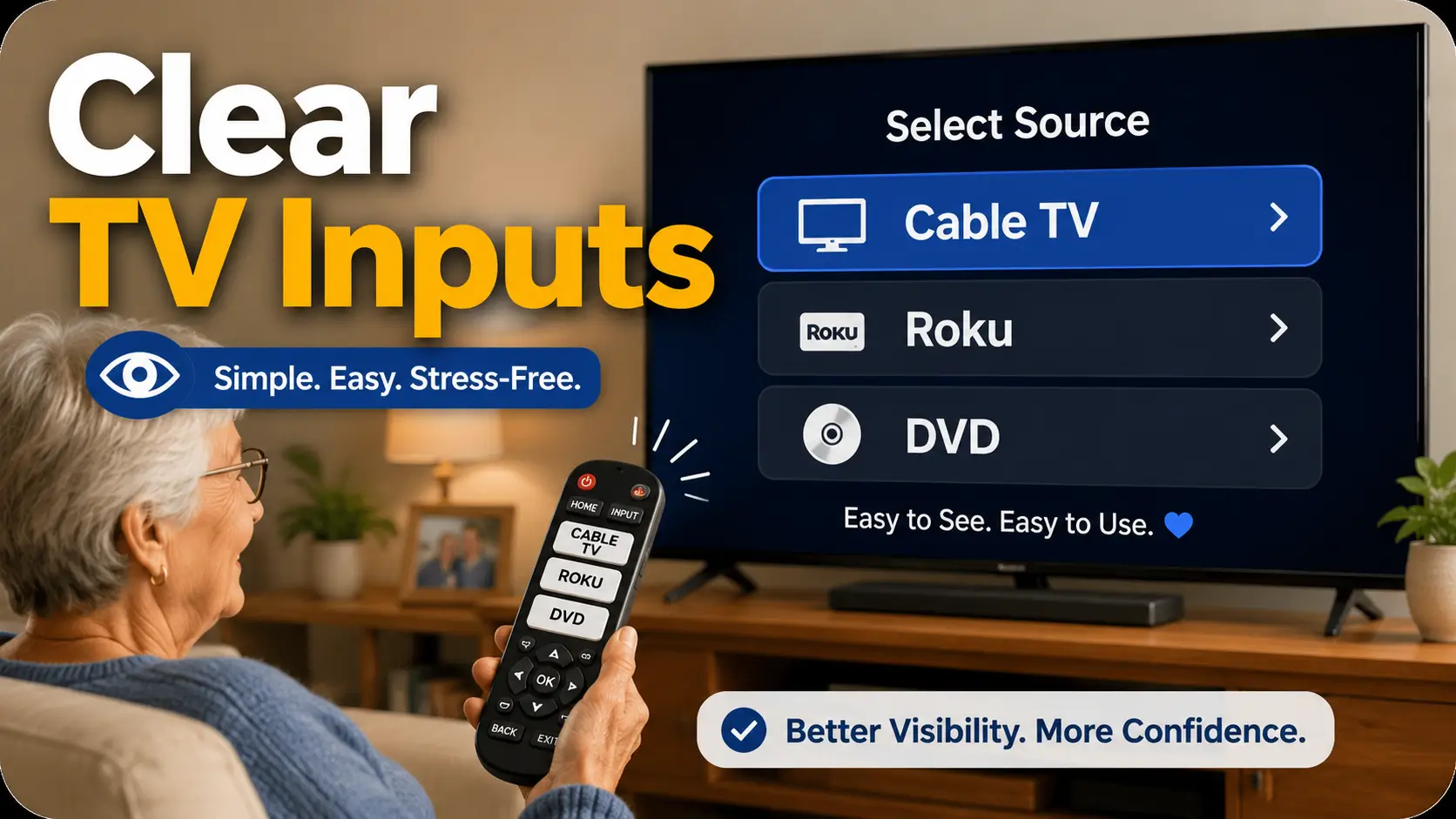
HDMI input labels for seniors

Senior-friendly TV setup HDMI Input Labeling Tips for Older Adultswith Aging Eyes A confusing TV input menu can turn a quiet evening into a tiny household drama. One person wants the news, the remote says “Source,” the screen says “HDMI 2,” and suddenly the living room feels less like a place to relax and more … Read more
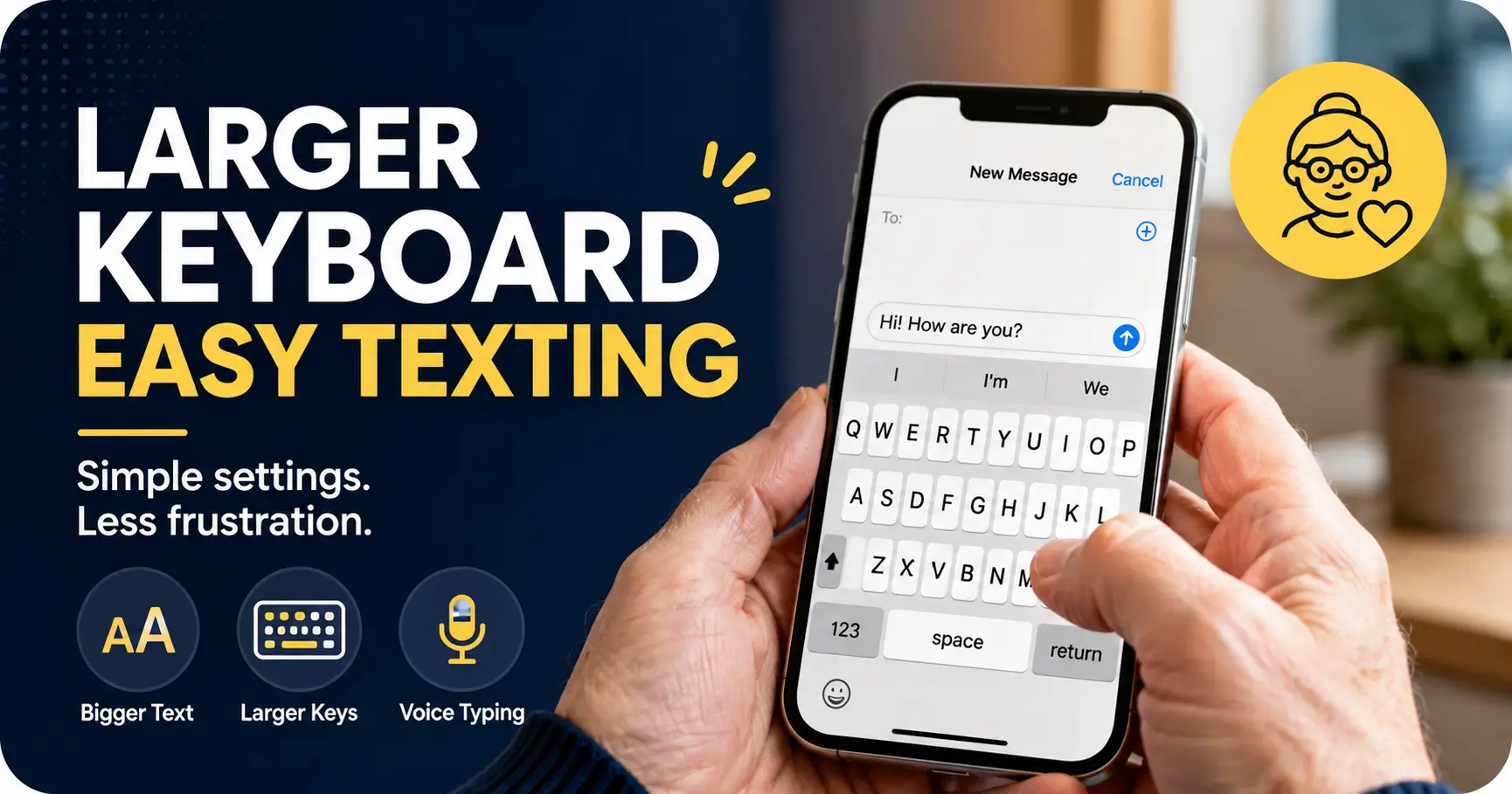
How to Set Up Larger Keyboard Buttons for Older Adults

larger keyboard buttons for older adults

Calm phone help for caregivers and older adults How to Set Up Larger Keyboard Buttons for Older AdultsWithout Making the Phone Harder to Use A tiny phone keyboard can turn a simple text into a little glass maze. One missed letter becomes three corrections, then autocorrect gallops in wearing a cape, and suddenly “I’m home” … Read more

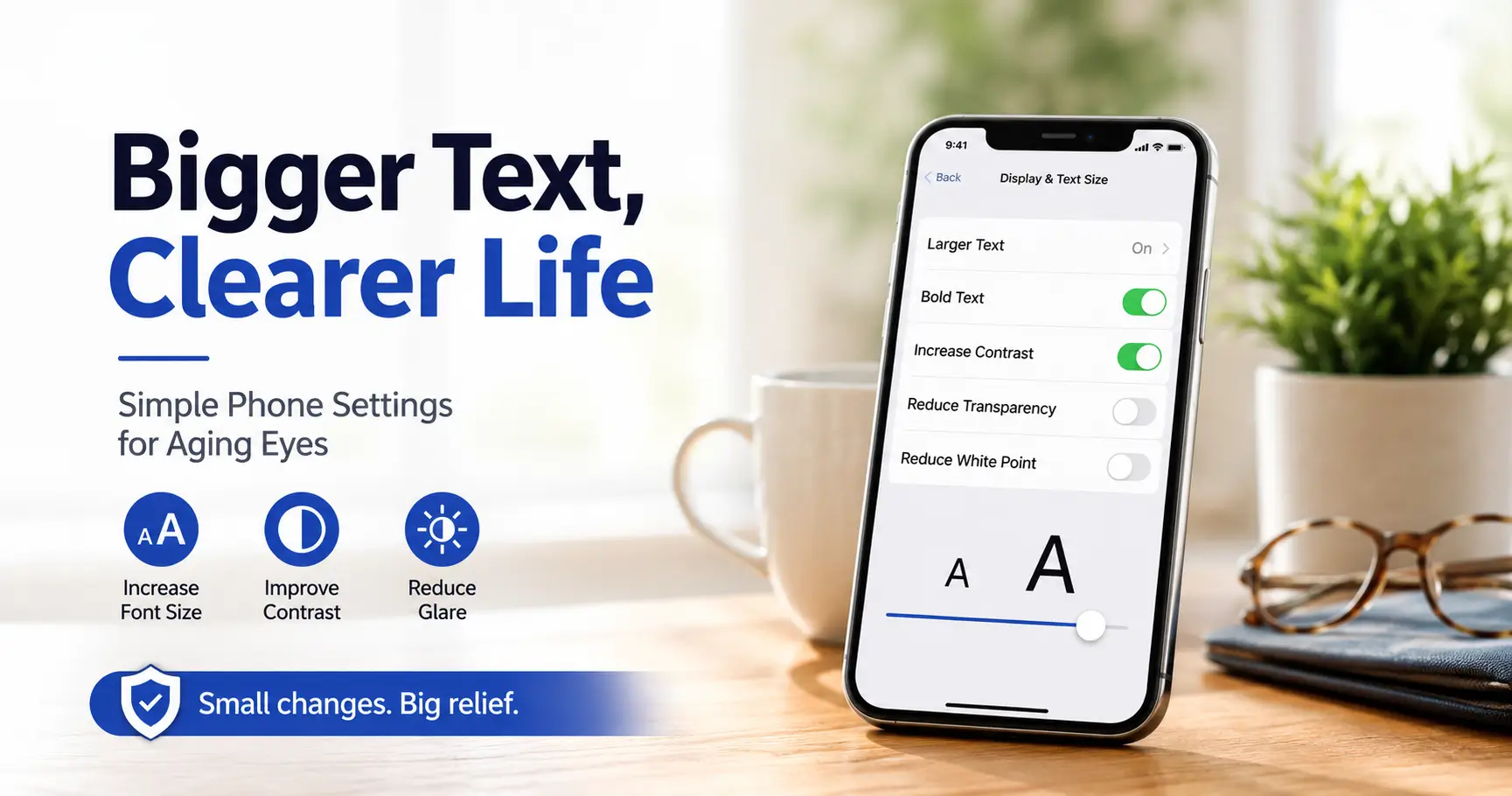
Best Phone Font Size Settings for Older Adults with Aging Eyes

best phone font size for seniors

The Screen-Reading Relief Guide The phone is often where small print goes to start a tiny rebellion. A pharmacy refill code, a banking confirmation, a grandchild’s photo caption, a calendar reminder: all of it can shrink into gray crumbs at the exact moment someone needs clarity. The best phone font size settings for older adults … Read more

How to Organize Digital Files for Seniors with Poor Vision: A Clear, Safer System

organize digital files for seniors

Designing for Tired Eyes: Accessible Digital Organizing A tiny file name can turn an ordinary Tuesday into a paper-chase with a glowing screen. One minute someone needs a Medicare card, a medication list, or last year’s tax form. The next minute they are staring at “IMG_4837,” squinting, guessing, and quietly losing patience. How to organize … Read more

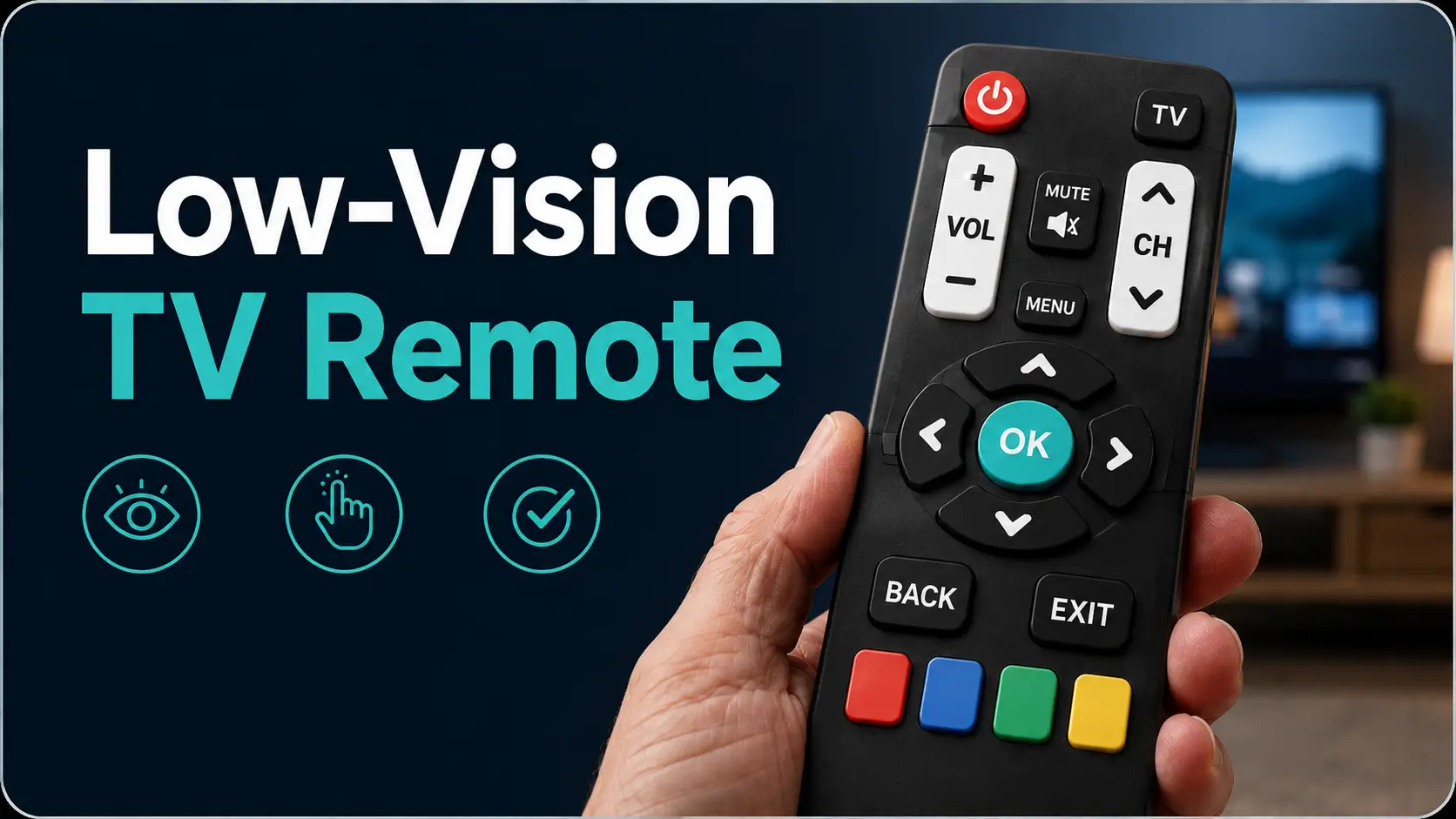
Large Button TV Remote Replacement for Low Vision: How to Choose One That Actually Helps

large button TV remote

Taming the Tiny Black Piano: A Guide to Low-Vision TV Remotes A TV remote should not feel like a tiny black piano played in the dark. Yet for many older adults and low-vision users, that is exactly what happens: small gray buttons, invisible labels, one mysterious “Input” key, and a screen suddenly trapped in a … Read more