
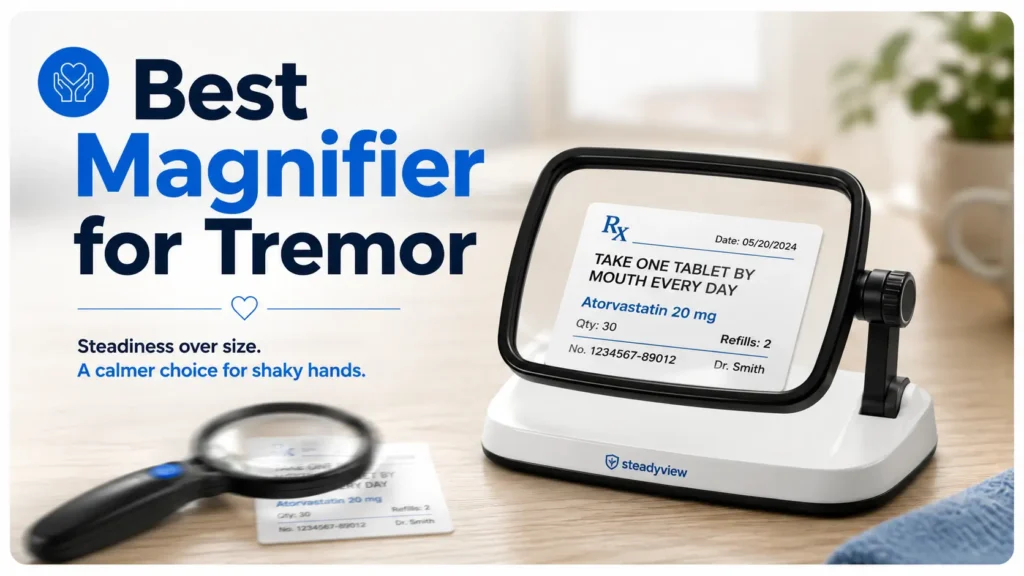
Stability Over Struggle: Finding the Right Magnifier for Tremors
A magnifier looks simple until shaky hands turn one pill bottle label into a tiny, moving weather system.
For those navigating the challenges of tremors, the problem isn’t just eyesight—it’s the exhausting “Triangle of Instability”: shaky hands, poor lighting, and a lens that won’t stay at the focal point long enough for words to settle.
“The method is practical: match the magnifier to the real task, not the biggest number on the package.”
This guide helps you identify the calmer option faster. We’ll explore when a handheld magnifier still makes sense, when a stand magnifier is the steadier bet, and when electronic aids or professional support deserve a look.
By the end, you will have a simple kitchen-table test to compare comfort before spending a dime.
Table of Contents
- A stand magnifier rests on the page, so the table helps control movement.
- A handheld magnifier is still useful for short, mobile tasks.
- Medication labels, bills, and long reading sessions need extra caution.
Apply in 60 seconds: Pick one real task, such as reading a prescription bottle, before looking at product listings.
Shaky Hands Change the Whole Magnifier Decision
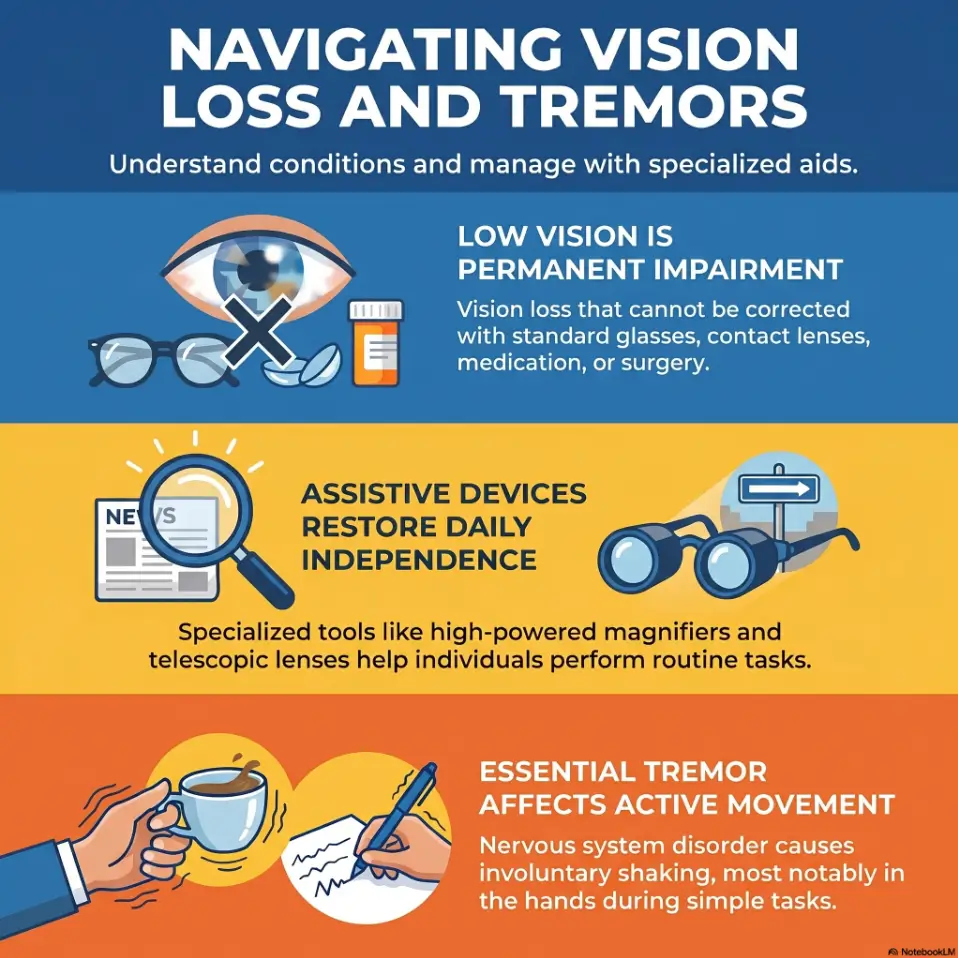
The real problem is not magnification, it is stability
When hands shake, the lens does not just enlarge letters. It enlarges motion. A small tremor at normal size can become a marching band under 4x magnification. That is why a magnifier that looks perfect in a product photo can feel like a prank once it meets a real hand, a glossy label, and Tuesday afternoon fatigue.
I have watched people try a “stronger” handheld lens and then quietly push it away after 40 seconds. Not because they were impatient. Because the letters would not stay still long enough to become words.
For many readers with tremor, the main question is: Can the device remove one moving part? A stand magnifier does this by resting on the page. A handheld magnifier usually asks the user to control the lens, the object, the distance, and sometimes the light. That is a lot of choreography for one shaky hand.
Why “more powerful” can make reading harder
Higher magnification often narrows the viewing area. That means you may see bigger letters, but fewer of them at once. A word becomes a tunnel. A sentence becomes a hallway with the lights flickering.
This matters because tremor already makes tracking difficult. If the visible window is tiny, the reader has to move the lens more often. More movement means more blur, more fatigue, and more frustration. The strongest lens is not always the kindest lens.
The tiny wobble that turns letters into soup
Imagine trying to read “take one tablet daily” while the word “tablet” slides in and out of focus. That is not a minor annoyance. It can become a safety issue. Low-vision tools should reduce cognitive load, not add a tiny circus to every errand.
For shaky hands, a good magnifier does three jobs:
- It enlarges text enough to read comfortably.
- It keeps the focal distance predictable.
- It reduces the number of things the user must hold steady.
The American Academy of Ophthalmology explains that stand magnifiers can be helpful for people with tremor or arthritis because they rest on the page and help keep the lens at the proper distance.
Handheld Magnifier: Best for Quick Looks, Worst for Long Battles
Where handheld magnifiers still earn their keep
A handheld magnifier is not the villain. It is more like a pocket umbrella: wonderful for a dash across the parking lot, less wonderful during a full storm. For quick tasks, handheld magnifiers can be practical, inexpensive, and easy to carry.
They work best when the reader needs a fast glance rather than a reading session. A menu. A thermostat. A price tag. A microwave button. The serial number on a router that seems printed by ants with a legal department.
For mild tremor, a handheld magnifier with a large handle, built-in light, and moderate power may be enough. The trick is honesty. If the user can hold it steady for 20 to 30 seconds without frustration, it may have a useful role.
Menus, price tags, labels, and the 20-second win
Handheld magnifiers shine when portability matters. A stand magnifier is not always convenient in a store aisle or restaurant. Nobody wants to unfold a tabletop reading station between the soup and the salmon. For restaurant situations, a dedicated strategy for reading restaurant menus with low vision can make the handheld option feel less like a tiny panic button.
Choose handheld when the task is:
- Short, usually under 30 seconds.
- Done away from home.
- Not safety-critical.
- Easy to repeat if the first attempt fails.
That last point is important. Misreading a cereal price is annoying. Misreading a medication label can be dangerous. The tool should match the consequence of error.
Here’s what no one tells you: your arm gets tired before your eyes do
Handheld magnifiers ask the wrist and shoulder to become a tripod. That may be fine for a quick look. During a bill, a letter, or a paperback, the arm often gives up before the eyes are done working.
I once watched a caregiver buy a beautiful handheld magnifier for her father. It had a bright LED and a tidy little case. He loved it for two days. By the fourth day, it lived in the drawer beside three pens that did not write and one heroic rubber band. The problem was not the lens. It was the holding. For people who notice that reading drains them faster than expected, low vision fatigue is often the hidden villain sitting quietly beside the magnifier.
- Use it for menus, tags, controls, and brief labels.
- Avoid relying on it for long reading if tremor is moderate or tiring.
- Look for a return policy before buying.
Apply in 60 seconds: Time one handheld reading task at home. If frustration starts before 30 seconds, consider a supported option.
Stand Magnifier: The Quiet Advantage for Tremor
Why resting on the page matters
A stand magnifier changes the job. Instead of hovering a lens in space, the reader places the magnifier on the page. The table, book, counter, or document becomes part of the support system. Quietly brilliant. No motivational speech required.
This is why stand magnifiers often feel easier for tremor. They reduce the distance problem. They reduce lens wobble. They reduce the need to “find focus” every few seconds. For someone whose hands shake more during action, that resting support can feel like finally getting the floor back under their feet.
Built-in distance control reduces the “hovering problem”
Magnifiers have a focal distance. In plain English, the lens has a sweet spot. Hold it too high or too low, and the text blurs. With tremor, maintaining that sweet spot can become the whole battle.
A stand magnifier builds that distance into the device. You place it down, and the lens is usually positioned at the intended height. This does not solve every visual issue, but it removes one major variable.
The table becomes your second hand
For reading mail, checking a recipe, sorting coupons, or reviewing a bill, a stand magnifier lets the table act like a second hand. That can be a relief for older adults, people with essential tremor, people with arthritis, and caregivers who need a safer setup for daily tasks.
There is still a learning curve. Some stand magnifiers must be moved across the page. Some work best with flat material. Some have a smaller viewing window than people expect. But for tremor, the stability advantage is hard to ignore. For a deeper product-choice angle, compare these habits with a guide to the best stand magnifier for tremor before the shopping cart starts whispering.
Lighted stand magnifiers: helpful, but not magic
Built-in lighting can help, especially for small print and low-contrast text. But light is not a spell. It cannot fix the wrong magnification, bad posture, glare, or a label wrapped around a curved bottle.
Look for even lighting, comfortable brightness, and easy battery access. If changing batteries requires the dexterity of a watchmaker and the patience of a saint, that magnifier may not age well in daily life.
Visual guide: what each magnifier asks from shaky hands
🔍
Handheld
Best for: quick looks away from home.
Hard part: hand controls lens height, angle, and steadiness.
Tremor load: higher.
📖
Stand
Best for: bills, labels, books, recipes, hobbies.
Hard part: moving across the page and finding a comfortable surface.
Tremor load: lower.
📱
Electronic
Best for: contrast, zoom, image freeze, serious reading.
Hard part: cost, charging, menus, and learning curve.
Tremor load: variable, often lower with freeze-frame.
The Mistake Buyers Make First: Choosing Magnification Before Task
Don’t buy “strongest” first
The strongest magnifier on the shelf is not automatically the best magnifier for tremor. Stronger magnification can make the field of view smaller, reduce working distance, and magnify every shake. It can turn a simple receipt into a moving keyhole.
Most buyers start with the number on the package: 2x, 3x, 5x, 10x. That number matters, but it should not be the first decision. The first decision is the task. Are you reading a paperback for 20 minutes? Checking one dosage instruction? Sewing? Looking at a phone screen? Each task has its own little personality, and a few of them are divas.
Match the tool to the job: bills, books, pills, hobbies
A bill needs line tracking. A pill bottle needs curved-label control and glare management. A paperback needs comfort over time. A hobby may need hands-free use. A single magnifier rarely does all of that well.
| Task | Likely better starting point | Why it helps |
|---|---|---|
| Prescription bottle | Stand or electronic | More stability and better error control. |
| Restaurant menu | Handheld or phone | Portable and quick. |
| Bills and mail | Stand | Flat surface makes support easier. |
| Long reading | Stand, electronic, or desktop video magnifier | Reduces fatigue and improves tracking. |
Why higher power can shrink your viewing window
Higher power often means you see less of the page at once. If you only see two or three letters clearly, your brain has to work harder to assemble the word. Add tremor, and the job becomes even harder.
A moderate magnifier that stays steady may beat a powerful magnifier that jumps. The win is not bigger text. The win is readable text.
Show me the nerdy details
Magnifiers trade magnification, field of view, working distance, and depth of focus. As magnification increases, the visible area often becomes smaller and the usable focus zone becomes less forgiving. Tremor makes that trade-off more noticeable because small changes in lens position can push text in and out of focus. This is why a 3x stand magnifier can feel more usable than a 10x handheld lens for daily reading, even though the number looks less impressive on the package.
Handheld vs Stand Magnifier: A Tremor-Friendly Decision Matrix
Choose handheld when portability matters most
A handheld magnifier belongs in the “fast and flexible” category. It is useful when the reader needs help outside the house or for quick household tasks. A purse, coat pocket, car console, or kitchen drawer can be a perfectly good home for it.
Choose handheld if the person can hold the lens steady enough for short use and does not need it for medication safety or long reading. A larger handle and lower-to-moderate magnification may be more forgiving than a tiny high-power pocket lens.
Choose stand when steadiness matters most
A stand magnifier is usually the better first try when tremor is the main barrier. It is especially useful when the user reads at a table, counter, desk, or tray. The device turns a shaking-hand problem into a sliding-and-positioning problem, which is often easier.
For caregivers, this matters. The goal is not to buy a gadget that looks helpful. The goal is to reduce daily failure points. A stand magnifier that gets used twice a day beats a fancy handheld lens that becomes drawer archaeology.
Choose electronic when contrast, zoom, or snapshots matter
Electronic magnifiers, phone magnifier apps, and desktop video magnifiers can help when optical lenses are not enough. They may offer adjustable zoom, contrast modes, brightness control, and image freeze. Image freeze can be especially helpful when hands shake because the user can capture the image and read it without holding the camera perfectly still.
The trade-off is cost, charging, menus, and learning curve. For some users, that is fine. For others, one more device with one more cable is a tiny domestic rebellion waiting to happen. If a phone is already part of the routine, iPhone Back Tap for Magnifier can make the backup tool quicker to reach when hands and patience are both running low.
The “kitchen table test” before buying
Before buying, test the task. Place three items on the table: a bill, a prescription bottle, and a paperback. Try to read each for 30 seconds with the device type you are considering. Watch what fails first.
- If the lens shakes, reduce hand demand.
- If the text is dim, fix lighting and glare.
- If the user gets tired, improve posture and support.
Apply in 60 seconds: Write down the first task that fails: steadiness, lighting, distance, or comfort.
Who This Is For / Not For
Good fit: mild to moderate tremor with reading frustration
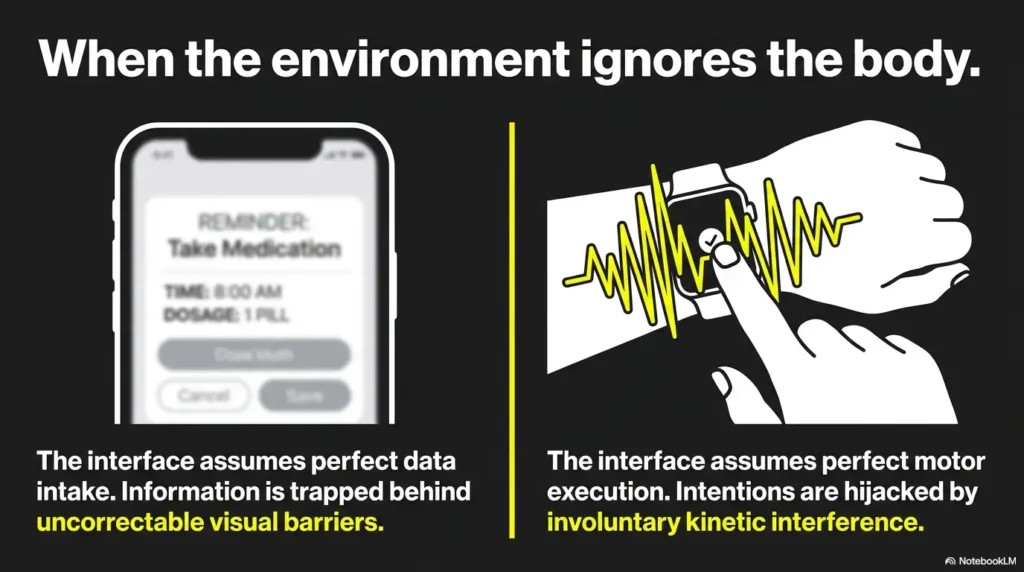
This guide is for people who can see better with magnification but struggle because the lens or page will not stay steady. That includes many older adults, people with essential tremor, people with arthritis, and caregivers trying to make daily reading less exhausting.
It is also for family buyers who want to avoid the classic mistake: ordering the most powerful lens online at 11:43 p.m. and discovering, two days later, that it magnifies everything except usability.
Good fit: caregivers comparing low-cost aids before upgrading
Caregivers often need a practical starting point. A stand magnifier can be a reasonable first step before considering more expensive electronic devices. It can also reveal what the person truly needs: more light, bigger field of view, better contrast, or hands-free support.
Think of this as a small home trial, not a lifetime contract. The first magnifier may not be the last. That is normal. Low-vision support often works best as a kit, not a single magic wand. When family members are unsure how to step in without taking over, a guide to offering help to someone with low vision can keep support practical and respectful.
Not enough: sudden vision loss, new tremor, or unsafe medication reading
A magnifier should not be used to quietly work around new or serious symptoms. Sudden vision loss, new double vision, a new tremor, worsening tremor, or repeated medication-reading mistakes deserve professional attention.
If someone is guessing at prescription instructions, that is not a shopping problem. That is a safety signal. A pharmacist, eye doctor, primary care clinician, neurologist, occupational therapist, or low-vision specialist may need to help.
Not ideal: severe head tremor, severe hand weakness, or complex low vision without professional fitting
Some situations need more than a consumer magnifier. Severe hand weakness, head tremor, advanced low vision, visual field loss, or cognitive changes can make ordinary magnifiers frustrating or unsafe. A low-vision evaluation can help match the person to task-specific devices, training, lighting, and home strategies. If macular degeneration is part of the picture, seeing a low-vision specialist for macular degeneration can prevent a lot of expensive trial and error.
Eligibility checklist: start with a simple magnifier or seek help first?
- Yes: Vision has been stable recently.
Next step: try the kitchen table test. - Yes: Tremor is familiar and not suddenly worse.
Next step: compare handheld and stand support. - No: Medication labels are being guessed.
Next step: ask a pharmacist or clinician for safer labeling options. - No: Vision or tremor changed suddenly.
Next step: seek medical advice before relying on a new device.
Neutral action line: Use this checklist to decide whether shopping is enough or professional support should come first.
The Lighting Trap: When the Magnifier Is Fine but the Room Is Guilty
Shadows can defeat even a good lens
Sometimes the magnifier is innocent. The room is guilty. Poor lighting can make a decent magnifier feel useless, especially with gray text, glossy packaging, or labels wrapped around curved bottles.
One small lamp placed badly can create a shadow exactly where the reader needs clarity. A bright overhead light can still fail if the user’s hand blocks it. This is where a lighted magnifier may help, but task lighting can help too. For table-based reading, reading lamp position for central vision loss offers a useful way to think about angle, shadow, and comfort.
Cool vs warm light for labels and fine print
Some readers prefer a cooler, whiter light for high contrast. Others find it harsh and tiring. Warm light may feel pleasant but sometimes softens small print. There is no universal winner, which is annoying in the way real life insists on being.
Try two lighting setups before blaming the lens. Place the reading material on a matte surface. Move the lamp to the side. Tilt the object slightly. Sometimes a 10-degree angle change does more than a new purchase.
Glare: the sneaky villain on glossy prescription bottles
Prescription bottles are glare factories. Their curved plastic catches light and throws it back like a tiny orange mirror. A handheld magnifier may add another reflective surface, creating even more glare.
For medication labels, try placing the bottle on a towel or non-slip mat. Rotate the bottle slowly. Use side lighting instead of direct glare. The same principle applies to glossy envelopes and statements, where a few tactics for reading glossy mail without glare can also help with pill bottles and packaging. If reading remains uncertain, ask the pharmacy about large-print labels, easy-open caps if appropriate, medication lists, or other safety supports.
Small truth: If the reader has to guess, the setup has failed. No shame. Just redesign the setup.
Grip, Posture, and Fatigue: The Comfort Clues People Ignore
Wrist angle matters more than it sounds
A magnifier can be optically fine and physically annoying. If the wrist bends awkwardly, the hand tires faster. If the shoulder floats in the air, the whole arm starts negotiating for early retirement.
For handheld magnifiers, a larger handle may help. For stand magnifiers, a comfortable table height matters. The best setup lets the elbows rest, the shoulders drop, and the neck stay neutral. Reading should not require the posture of a suspicious heron.
Reading in bed changes the answer
Many people want to read in bed, and that changes the decision. Stand magnifiers usually work best on a stable surface. A bed is soft, uneven, and full of blanket drama. A handheld magnifier may be more flexible there, but tremor and arm fatigue can worsen when the elbow is unsupported.
For bed reading, consider a lap desk, adjustable lamp, tablet magnification, audiobook backup, or a stand magnifier used on a tray. It is not glamorous, but neither is dropping a magnifier on your nose at 10:18 p.m. A practical low vision bedside organization setup can keep the magnifier, lamp, medication list, and phone from migrating into the blanket wilderness.
Let’s be honest… nobody wants a tool that requires a perfect little laboratory
The device has to work in the actual home. Not in a showroom. Not under perfect lighting. Not with a sales associate holding the box and smiling like physics has been solved.
Ask these comfort questions:
- Can the user set it up without help?
- Can they use it for 2 minutes without shoulder strain?
- Can they move it across a page without losing their place?
- Can they clean it and change batteries easily?
- Will it live where the task happens?
I like placing magnifiers where they will be used: one near the mail spot, one near medications, one portable option near the door. A useful tool should be visible before the problem appears.
- Support elbows whenever possible.
- Test the device in the real reading location.
- Do not ignore neck, wrist, and shoulder fatigue.
Apply in 60 seconds: Place the reading item where it is normally used, then test the magnifier there, not at a perfect desk.
Common Mistakes That Make Tremor Reading Harder
Mistake 1: buying a tiny pocket lens for daily reading
Tiny pocket lenses are tempting. They are cheap, cute, and easy to misplace in exactly 11 minutes. For daily reading with tremor, they are often too small, too fiddly, and too unforgiving.
A small lens may work for a quick price tag. It is usually not the best choice for reading mail, medication labels, or books. Daily tools need comfort and repeatability.
Mistake 2: assuming LED lighting solves shaking
LED lighting can improve contrast, but it does not stabilize the lens. A lighted handheld magnifier still shakes if the hand shakes. This is the magnifier version of putting racing stripes on a wobbly shopping cart.
Lighting helps most when paired with the right support, angle, and task. For tremor, light is a partner, not the whole rescue team.
Mistake 3: ignoring focal distance
Many magnifier problems are really distance problems. The user holds the lens too close, too far, or at an angle. Stand magnifiers reduce this problem by building in the distance, though users may still need practice moving across the page.
If the text gets bigger but blurry, do not immediately buy stronger magnification. Test distance first.
Mistake 4: skipping the return policy
Magnifiers are personal. The hand, eye, task, light, and patience level all vote. Because of that, a return policy is not a luxury. It is part of the fitting process.
When buying online, check whether the item can be returned after a careful home trial. Keep packaging until the user has tried the device on at least three real tasks.
Mistake 5: using one magnifier for every task
One magnifier may not cover everything. A handheld lens for the purse, a stand magnifier for the table, and a phone magnifier app for backup may be more realistic than forcing one device to do five jobs badly.
Decision card: handheld vs stand vs electronic
| Choose this | When it fits | Trade-off |
|---|---|---|
| Handheld | Short, portable, low-risk tasks. | More hand control required. |
| Stand | Table reading, bills, labels, tremor support. | Less portable and needs a surface. |
| Electronic | Contrast, zoom, freeze-frame, serious reading. | Higher cost and learning curve. |
Neutral action line: Pick the row that solves the most frequent task, not the rarest task.
When a Stand Magnifier Is Still Not Enough
Electronic video magnifiers for contrast and image freeze
If a stand magnifier helps but still does not solve the problem, electronic magnification may be worth considering. Portable video magnifiers can enlarge text, change contrast, adjust brightness, and freeze an image. That freeze function can be a quiet little miracle for shaky hands.
Instead of trying to hold the device perfectly still while reading, the user captures the label or page and then reads the still image. It is not perfect for every task, but it can reduce the “moving target” problem. For pill bottles specifically, iPhone Magnifier filters for pill bottles may help when contrast and glare are part of the problem.
Tablet and phone magnifier apps for occasional backup
Most smartphones and tablets have built-in magnification or camera zoom features. They are not always ideal for daily low-vision use, but they can be useful backups. The screen can provide zoom and contrast, and the camera can help with labels in stores.
The downside is handling. A phone can be slippery, menus can be confusing, and glare can still show up wearing tap shoes. A case with a grip or stand may help. For receipts and small print, iPhone receipt reading settings can also make occasional document checks more manageable.
Desktop CCTV magnifiers for serious reading sessions
For long reading, paperwork, hobbies, or writing checks, desktop video magnifiers may be useful. These systems can be expensive and take up space, but they may offer the best combination of magnification, contrast, and stable viewing for serious use.
This is where professional low-vision guidance can prevent costly guessing. A low-vision specialist can help test devices before a family spends money on a machine that looks impressive but does not match the user’s daily routine.
Why low-vision rehab can save money before the gadget drawer grows teeth
The National Eye Institute describes low-vision care as a team-based process that may include eye care professionals and rehabilitation specialists. That matters because low vision is not only about tools. It is about training, lighting, contrast, home setup, and safer routines.
A good evaluation may reveal that the person needs larger print, better task lighting, label changes, contrast markings, medication management support, or orientation strategies. Sometimes the best “magnifier” is a system.
Mini calculator: how much reading time are you asking the device to survive?
Use this tiny estimate to decide whether a quick-look magnifier is enough or whether support matters more.
Estimated magnifier use: enter your numbers and calculate.
Neutral action line: If daily use is more than a few minutes, test comfort and posture before buying.
When to Seek Help
New or worsening tremor deserves medical attention
Tremor can come from many causes, including essential tremor, Parkinson’s disease, medication effects, thyroid issues, anxiety, fatigue, and other neurological or medical conditions. Mayo Clinic explains that essential tremor often affects the hands and can interfere with daily activities such as writing, eating, and drinking.
If tremor is new, suddenly worse, one-sided in a new way, paired with weakness, or interfering with daily safety, it is time to ask a clinician. A magnifier should not become camouflage for a medical change.
Trouble reading medication labels is a safety signal
Medication labels are not casual reading. If someone cannot reliably read the drug name, dose, timing, warnings, or expiration date, bring in help. A pharmacist may offer large-print labels, medication synchronization, pill organizers, talking labels, or clearer printed medication lists.
For caregivers, this is one of those moments where kindness needs a clipboard. Write down what is hard to read. Bring the bottle to the pharmacy. Ask for safer options. A prepared low vision pharmacy help script can make that conversation easier, especially when the counter is busy and everyone’s patience is wearing office shoes.
Eye strain, headaches, or sudden vision changes should not be “worked around”
Eye strain after magnifier use can happen, especially when the device is too strong, too dim, or used at a poor angle. But sudden vision changes, flashes, new floaters, eye pain, double vision, or severe headaches need medical attention.
Do not keep upgrading lenses while the real issue goes unchecked. That road leads to a drawer full of gadgets and one very tired reader. If symptoms are hard to describe during appointments, a doctor appointment note-taking system can help preserve the details before they scatter.
Ask about low-vision evaluation, occupational therapy, or adaptive reading tools
A low-vision evaluation can connect the person with practical tools and training. Occupational therapy may help with positioning, grip, home setup, medication routines, lighting, and adaptive tools. For people with tremor and low vision, the best answer may be a blend: device, lighting, label changes, support surfaces, and practice.
- New or worsening tremor should be reviewed medically.
- Medication-reading trouble deserves immediate support.
- Low-vision rehab can reduce trial-and-error spending.
Apply in 60 seconds: Write down the one reading task that feels unsafe, then decide who should help with it.
FAQ
Is a stand magnifier better than a handheld magnifier for tremor?
Often, yes. A stand magnifier is usually easier for tremor because it rests on the page and keeps the lens at a more consistent distance. A handheld magnifier can still work for quick tasks, but it demands more hand control.
What strength magnifier is best for shaky hands?
There is no single best strength. Many people do better with moderate magnification that stays steady than with a very strong lens that has a tiny viewing area. Start with the task, then test magnification, distance, and comfort.
Are lighted magnifiers better for older adults with tremor?
Lighted magnifiers can help when dim light or shadows are part of the problem. But lighting does not stop shaking. For tremor, a lighted stand magnifier may be more useful than a lighted handheld magnifier for longer table-based reading.
Can a handheld magnifier work if my tremor is mild?
Yes. If tremor is mild and the task is brief, a handheld magnifier may work well. Look for a comfortable grip, reasonable lens size, easy controls, and a return policy. Test it for at least 30 seconds on real tasks.
What is the easiest magnifier for reading prescription bottles?
For many people, a stand magnifier or electronic magnifier is easier because it reduces movement and may improve contrast. Prescription bottles are hard because they are curved and glossy. If labels are still uncertain, ask the pharmacist about large-print labels or other medication safety options. For package inserts and longer medication text, a separate system for reading medicine leaflets with low vision can reduce guesswork.
Should I buy a dome magnifier, stand magnifier, or electronic magnifier?
A dome magnifier can be steady on flat pages and may feel simple. A stand magnifier is often better for general table reading. An electronic magnifier may help when contrast, zoom, or freeze-frame is needed. The best choice depends on the task and the user’s comfort.
Why does my magnifier make the text bigger but harder to read?
The magnification may be too strong, the viewing window may be too small, the focal distance may be wrong, or glare may be interfering. Tremor can also magnify motion. Try better lighting, lower magnification, a stand design, or an electronic freeze-frame option.
Can occupational therapy help someone use a magnifier better?
Yes. Occupational therapy can help with positioning, grip, home setup, medication routines, lighting, and adaptive tools. For tremor, the way a task is arranged can matter as much as the magnifier itself.
Next Step: Do the One-Page Tremor Test Before You Buy
Place a bill, prescription bottle, and paperback on the table
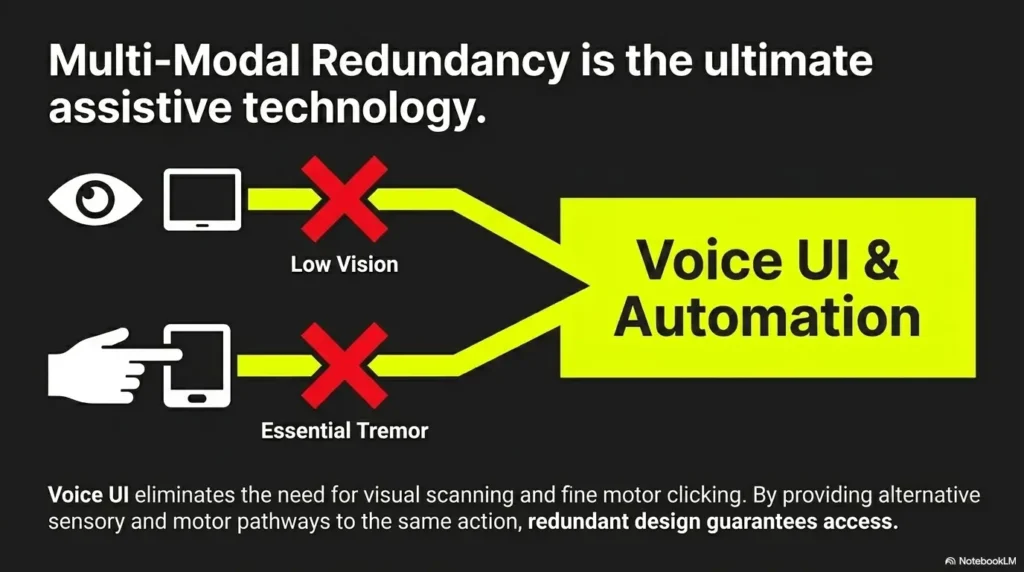
Before buying, create a tiny test station. Place one bill, one prescription bottle, and one paperback or magazine on a table. These three items reveal more than most product descriptions.
The bill tests line tracking. The prescription bottle tests glare, curve, and safety. The paperback tests comfort over time. Together, they form a small but honest obstacle course.
Try 30 seconds handheld, then 30 seconds supported
Use a handheld magnifier for 30 seconds on each item. Then try a stand magnifier or a supported setup for 30 seconds. If you do not own both, simulate support by resting the object and elbow on the table while using a phone magnifier or borrowed lens.
Watch the person’s body. Do they squint? Hold their breath? Lift their shoulder? Lose their place? Push the item away? Bodies review products before mouths do.
Write down which task failed first: steadiness, lighting, distance, or comfort
Do not write “bad magnifier.” Be more specific. Did the lens shake? Was the label too shiny? Was the distance hard to hold? Did the wrist hurt? Did the viewing area feel too small?
This turns a vague shopping problem into a solvable design problem.
Buy for the failure, not the fantasy
If steadiness failed, favor a stand magnifier or electronic freeze-frame. If lighting failed, improve task lighting or choose a well-lit model. If distance failed, try a stand design. If comfort failed, rethink posture, table height, handle size, and reading location.
Quote-prep list: what to gather before comparing magnifiers
- The smallest print task that matters most.
- Whether tremor is mild, moderate, or severe during action.
- Where reading happens: table, bed, kitchen, store, or bathroom counter.
- Whether lighting, glare, or grip is the main failure.
- Whether medication labels are involved.
Neutral action line: Bring this list to a low-vision appointment, pharmacy conversation, or product comparison.
Conclusion
The tiny thunderstorm on the pill bottle is not solved by buying the strongest lens. It is solved by reducing motion, improving light, controlling distance, and choosing a tool that fits the real task.
For many people with shaky hands, a stand magnifier is the calmer starting point for table-based reading because it rests on the page and removes part of the hand-control burden. A handheld magnifier still belongs in the kit for quick, portable tasks. Electronic magnifiers enter the picture when contrast, zoom, or freeze-frame becomes necessary.
Here is the honest next step: within the next 15 minutes, place a bill, prescription bottle, and paperback on the table. Test what fails first. Then buy for that failure, not for the fantasy version of the user who reads tiny print under perfect light with the wrist control of a concert violinist.
Last reviewed: 2026-05.
Tags: low vision aids, tremor support, stand magnifier, handheld magnifier, caregiver tools
Meta description: Handheld magnifier vs stand magnifier for tremor: compare stability, lighting, grip, safety, and when to seek low-vision help.